Getting Started
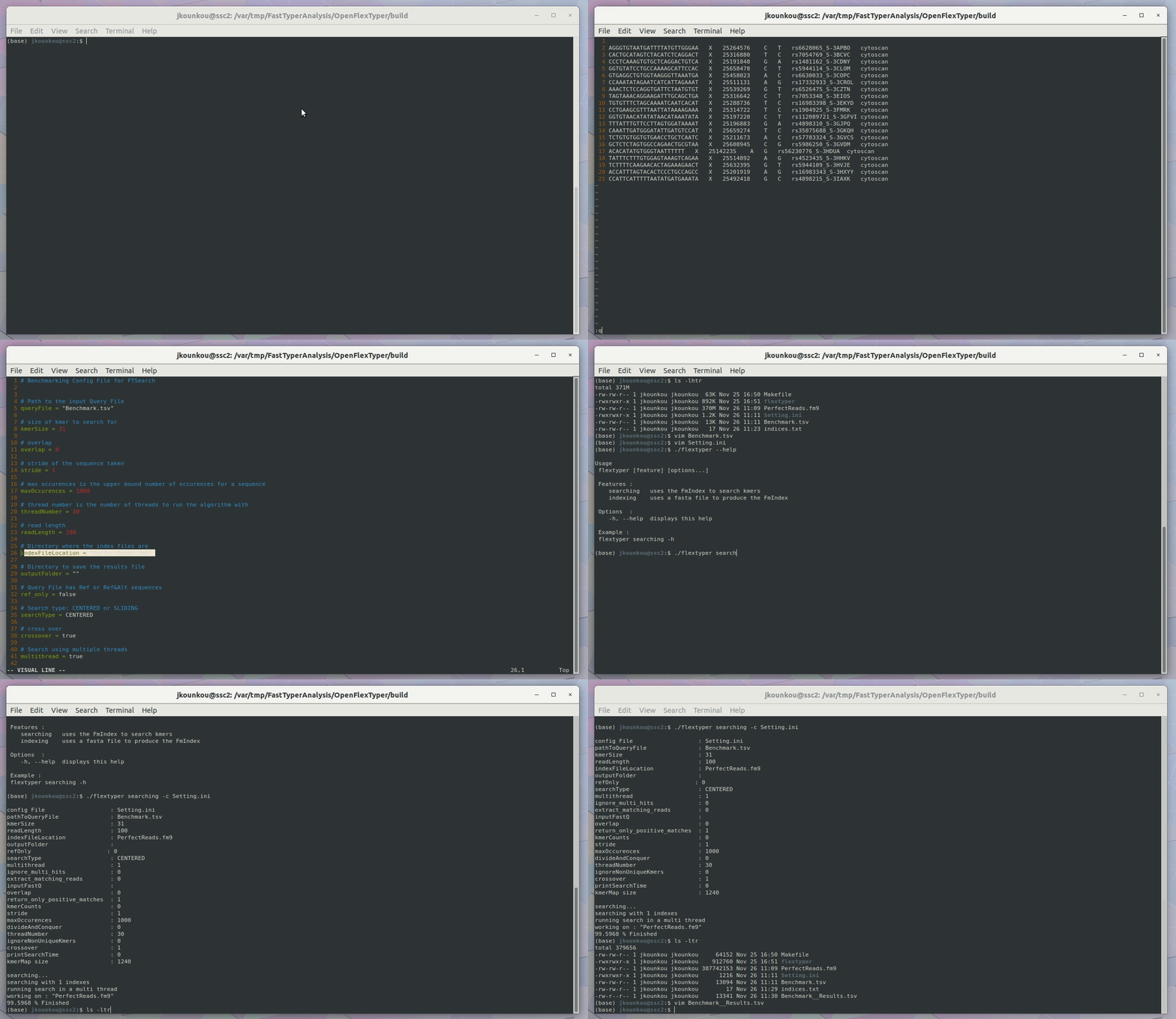
To get you started with FlexTyper, you can start by creating a Setting.ini file. An example can be found inside the extras directory in the github repository. https://github.com/wassermanlab/OpenFlexTyper
Execution
FlexTyper provides 2 main features :
- searching, used to search for kmers inside an FmIndex
- indexing, used to creates an FmIndex from a FASTA file
./flextyper

Usage
 flextyper [feature] [options...]

 Features :
    searching   uses the FmIndex to search
    indexing    uses a fasta file to produce the FmIndex

 Options  :
    -h, --help  displays this help

 Example :
 flextyper searching -h
Example of searching execution
To use FlexTyper in searching mode, you need you need to create a configuration file containing details about the search you want to do. A template for the configuration file can be found in extras directory on the github project To launch the search, please type de following command :
flextyper searching -c Setting.ini
Help can be displayed typing :
flextyper searching -h
or
flextyper searching --help
Example of data indexing
To use FlexTyper in indexing mode, you need you need to provide a FASTA file.
flextyper indexing -f input.fasta -o . -x input.fm9
Help can be displayed typing :
flextyper indexing -h
or
flextyper indexing --help